DigiPos WD-202A Customer Display User's Manual
The DigiPos WD-202A Customer Display is a vacuum fluorescent display designed for use in retail environments. It features a 20-column x 2-line display with a blue-green color and large characters for easy viewing. This display can be adjusted to provide the best viewing angle and is equipped with two poles for installation in a variety of locations. It is compatible with multiple command sets including CD5220, UTC, EMAX, ADM, EscPOS, and DSP-800, providing flexibility for integration into various systems. The display also offers user-defined characters, window control, and pass-through function for connecting both a printer and a display to the same port.
Advertisement
Advertisement
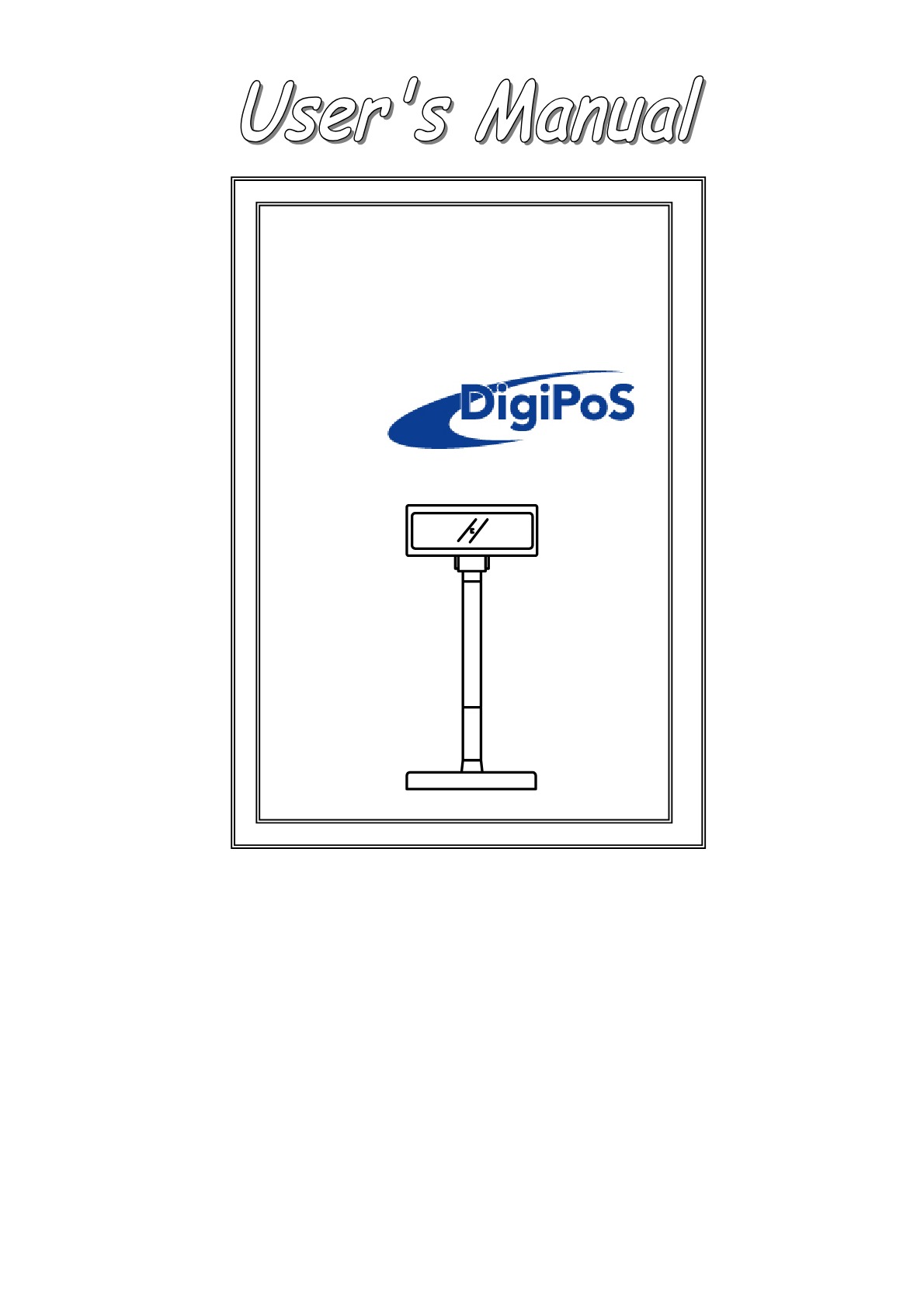
Customer Display
MODEL : WD-202A*
Version: 1.38

1
INDEX
1. FEATURES ....................................................................................... 3
2. GENERAL SPECIFICATIONS......................................................... 4
3. UNPACKING AND CHECKING THE PARTS................................. 5
4. INTERFACE ..................................................................................... 6
4.1 S PECIFICATIONS ............................................................................. 6
4.2 T HE COMMUNICATION FLOW ............................................................ 6
4.4 I NTERFACE CONNECTOR (O N THE BUTTOM OF THE BASE SECTION ) ..... 7
4.5 P OWER S UPPLY C ONNECTORS .......................................................... 7
4.6 RS232C LINK TO PC/HOST CONNECTOR (CN5) ............................... 8
4.7 RS232C LINK TO PRINTER CONNECTOR (CN3) .................................. 8
4.8 RS232C LINK TO DISPLAY PANNEL (CN4) ........................................ 8
5. DIP SWITCH SETTING ................................................................... 9
5.1 C OMMAND TYPE SELECTION ............................................................ 9
5.2 B AUD RATE SELECTION ................................................................... 9
5.3 P ARITY CHECK SELECTION ............................................................... 9
5.4 I NTERNATIONAL CHARACTER SET SELECTION ..................................10
5.5 S ELF - TEST & DEMO FUNCTION SELECTION .......................................10
6. COMMAND ......................................................................................11
6.1 CD5220 S TANDARD M ODE C OMMAND L IST ....................................11
6.2 UTC STANDARD MODE COMMAND LIST ...........................................14
6.3 UTC ENHANCED MODE COMMAND LIST ...........................................14
6.4 AEDEX MODE COMMAND LIST .......................................................15
6.5 ADM787/788 MODE COMMAND LIST ...............................................15
6.6 DSP-800 MODE COMMAND LIST ......................................................16
6. 7 EPSON E SC / POS COMMAND LIST ...................................................17
7. CHARACTER SET...........................................................................20
7.1 USA, STANDARD CHARACTER SET (20 H – 7E H ) ................................20
7.2 I NTERNATION C HARACTER S ETS .....................................................21
7.3 P AGE 0 (PC437: USA, S TANDARD E UROPE ) (80H – FFH) ...............22
7.4 P AGE 1 (K ATAKANA ) (80H – FFH).................................................23
7.5 P AGE 2 (PC850: M ULTILINGUAL ) (80H – FFH) ..............................24
7.6 P AGE 3 (PC860: P ORTUGUESE ) (80H – FFH) ..................................25
7.7 P AGE 4 (PC863: C ANADIAN -F RENCH ) (80H – FFH) ........................26
7.8 P AGE 5 (PC865: N ORDIC ) (80H – FFH) ..........................................27
7.9 P AGE 6 (S LAVONIC ) (80H – FFH) ..................................................28
7.10 P AGE 7 (R USSIA ) (80H – FFH) .....................................................29

2
7.11 P AGE 19 (PC858 E URO ) (80H – FFH)...........................................30
7.12 P AGE 16 (WPC1252) (80H – FFH) ...............................................31
7.13 P AGE 12 (G REEK ) (80H – FFH)....................................................32
APPENDIX A: CUSTOMER DISPLAY DIMENSION ........................33
APPENDIX B: DISPLAY BASE DIMENSION ....................................33
APPENDIX C: DISPLAY MODULE DIMENSION .............................34
APPENDIX D: PASS THROUGH INSTALLATION GUIDE ..............35

3
1. FEATURES
1.) Data can be displayed on 20 columns x 2 lines.
2.) Blue-green color and large character are easy to eyes.
3.) The display panel is adjustable to provide the best view
angle.
4.) Provide 2 poles for bast position installation.
5.) The DIP-switches setting emulate commands mode, baud rate
and international characters.
6.) CD5220/UTC/EMAX/ADM/EscPOS/DSP-800 emulation
command sets.
7.) User-defined characters can be downloaded ( for EscPOS
/CD5220/DSP-800 command).
8.) Display area can be controlled by window function ( for
EscPOS command only).
9.) Provides an interface based on RS-232C, and RS232C baud
rate from 4800 to 38400 bps.
10.) Provides pass through function, so both printer and display
can be connected to the same port (ref. Appendix D).
11.) Multi power connectable and wide range power input (9 – 45
Vdc).
 5
6
7
8
9
10
11
12
13
14
15
16
17
18
19
20
21
22
23
24
25
26
27
28
29
30
31
32
33
34
35
36
5
6
7
8
9
10
11
12
13
14
15
16
17
18
19
20
21
22
23
24
25
26
27
28
29
30
31
32
33
34
35
36

Advertisement
Key features
20 columns x 2 lines display
Blue-green color
Large characters
Adjustable display panel
Pass through function
Multiple power connections
Wide power input range (9-45Vdc)
Frequently asked questions
The display can show 40 characters (20 columns x 2 lines).
The character font size is 9.2 mm x 5.25 mm.
The operating temperature range is 5-45 degrees Celsius.
Related
Customer Pole Display WD-202 User's Manual

WinPOS WD-2049 User Manual | AI Chat & PDF Download

DigiPos WD-2030 XXXX Vacuum Fluorescent Customer Display User's Manual

DigiPos WD-2030 User Manual
Epson CD5220, CD6220 User's Manual
CD 5220 / CD 6220 Customer Display User's Manual

AURES YUNO 151, YUNO 156 User Manual
P07303 Stand Alone VFD Pole Display User's Manual

Appostar CPD-3230 User Manual
